
 Mayank Singh
 Chasing monthly payments from customers is quietly killing businesses across India. Tiffin services send reminder after reminder on WhatsApp. Gym owners call members who haven't paid. Tuition centres maintain messy Excel sheets tracking who has and hasn't settled their dues. All of this is time your team should be spending on growth — not collections.
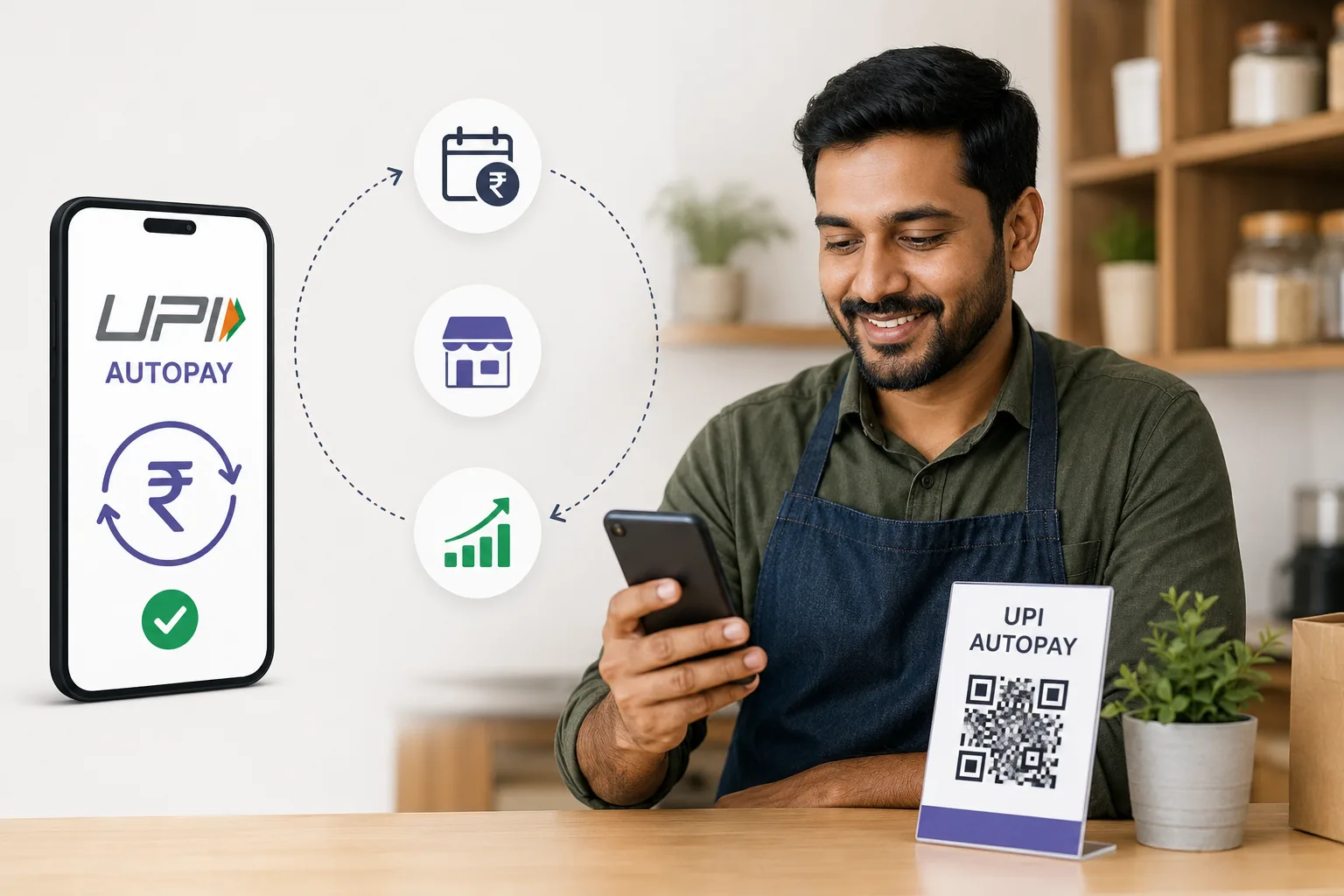
UPI AutoPay is the fix most business owners haven't discovered yet. Launched by the National Payments Corporation of India (NPCI), it lets your customers authorise a standing mandate from their bank account — and from that point, payments happen automatically on schedule. No reminders. No awkward messages. No revenue lost to forgetfulness.
Here's everything an Indian small business owner needs to know about setting this up.
What Exactly Is UPI AutoPay?
UPI AutoPay is a feature built into India's UPI ecosystem that allows businesses to collect recurring payments on a fixed schedule — daily, weekly, monthly, or annually. Customers authorise a one-time mandate through apps like PhonePe, Google Pay, Paytm, or BHIM, and payments are automatically deducted as per the agreed schedule without any further action from either side.
The per-transaction limit was raised to ₹1 lakh in 2023, making it viable for businesses beyond small subscriptions. This makes UPI AutoPay suitable for everything from a ₹2,500/month tiffin plan to a ₹50,000/year software subscription.
Who Should Be Using This Right Now?
If your business has any recurring revenue element — even informally — UPI AutoPay is built for you. This includes:
- Tiffin and meal plan services — Stop chasing 50+ customers every month. Set it and forget it.
- Gyms and yoga studios — Membership fees collected without front-desk follow-ups or awkward calls.
- Coaching and tuition centres — Monthly fee collection made completely effortless.
- Subscription box businesses — Automate billing for your snack, beauty, or book boxes.
- Freelancers and agencies — Retainer clients can pay you on autopilot every month.
- Rental businesses — Collect weekly or monthly rent from equipment or space renters consistently.
- SaaS products targeting Indian users — Build recurring billing into your product from day one.
How to Get Started With UPI AutoPay
You can't directly set up UPI AutoPay without a payment gateway. Here is the step-by-step process any business can follow:
- Open a merchant account with a payment gateway that supports UPI AutoPay mandates — Razorpay, Cashfree, PayU, and Instamojo all support this feature.
- Complete KYC — You will need your business registration documents, GST certificate (if applicable), and a business current account.
- Create mandate links via dashboard or API — For non-technical businesses, most gateways offer a no-code dashboard. For tech-forward businesses, direct API integration is available.
- Share the mandate link with your customer — Send via WhatsApp, SMS, or email. The customer taps the link and authorises the mandate in their UPI app in under 60 seconds.
- Start collecting automatically — Payments are deducted on your chosen date. Failed payments are retried automatically, and you receive alerts for persistent failures.
Data Insights: UPI AutoPay vs Manual Payment Collection
| Factor | UPI AutoPay | Manual Collection |
|---|---|---|
| Payment timing | Automatic on due date | Depends on customer availability |
| Follow-ups required | None | Multiple reminders per client monthly |
| Cash flow predictability | High — know exactly what's coming in | Low to unpredictable |
| Setup effort | One-time per customer | Repeated every billing cycle |
| Transaction cost | Zero to minimal MDR | Varies — cash handling has hidden costs |
| Customer experience | Frictionless and professional | Friction-heavy, easy to forget |
| Mandate cancellation | Customer can cancel anytime via UPI app | Customer stops paying — no formal process |
Tips to Get Customers to Accept the Mandate
Some customers — especially in smaller towns — may hesitate to authorise an automatic debit from their account. These approaches work well in practice:
- Reassure them upfront — Explain clearly that they can cancel the mandate at any time directly from their UPI app (PhonePe, Google Pay, etc.). This one sentence removes most hesitation.
- Start with a manual trial — Offer a one-month manual payment option and suggest AutoPay for the next cycle once they trust your service.
- Send a reminder before each deduction — A simple "Your ₹2,500 will be deducted on the 1st" message via WhatsApp builds trust and dramatically reduces disputes.
- Offer a small incentive — A 5% discount or one free delivery for customers who switch to AutoPay can accelerate adoption considerably.
What Happens When a Payment Fails?
Payment failures typically occur due to insufficient balance in the customer's account. Most payment gateways retry automatically 2–3 times. You'll receive a dashboard notification and email alert for persistent failures, at which point you can follow up personally — but this situation is far less common than the constant follow-up cycle in manual collection systems.
The Bottom Line
UPI AutoPay is one of the most underused tools in the Indian small business toolkit. Once you set it up for even five customers, you'll wonder how you ran your business without it. Less time chasing payments means more time actually building the business. If you're already using Razorpay or Cashfree, check your dashboard today — AutoPay mandate support is likely already available and waiting to be activated.
For more practical guides on managing business finances and recurring revenue, explore our Business & Income section at BusinessTalks.in.