
 Mayank Singh
 WhatsApp has evolved from a personal messaging app into an important communication channel for businesses across India. For small shops and solo entrepreneurs, the WhatsApp Business app offers useful tools for handling customer enquiries, showcasing products and sending quick replies. But as customer volumes increase, businesses may need deeper automation, CRM integration, multi-agent support and system-driven notifications.
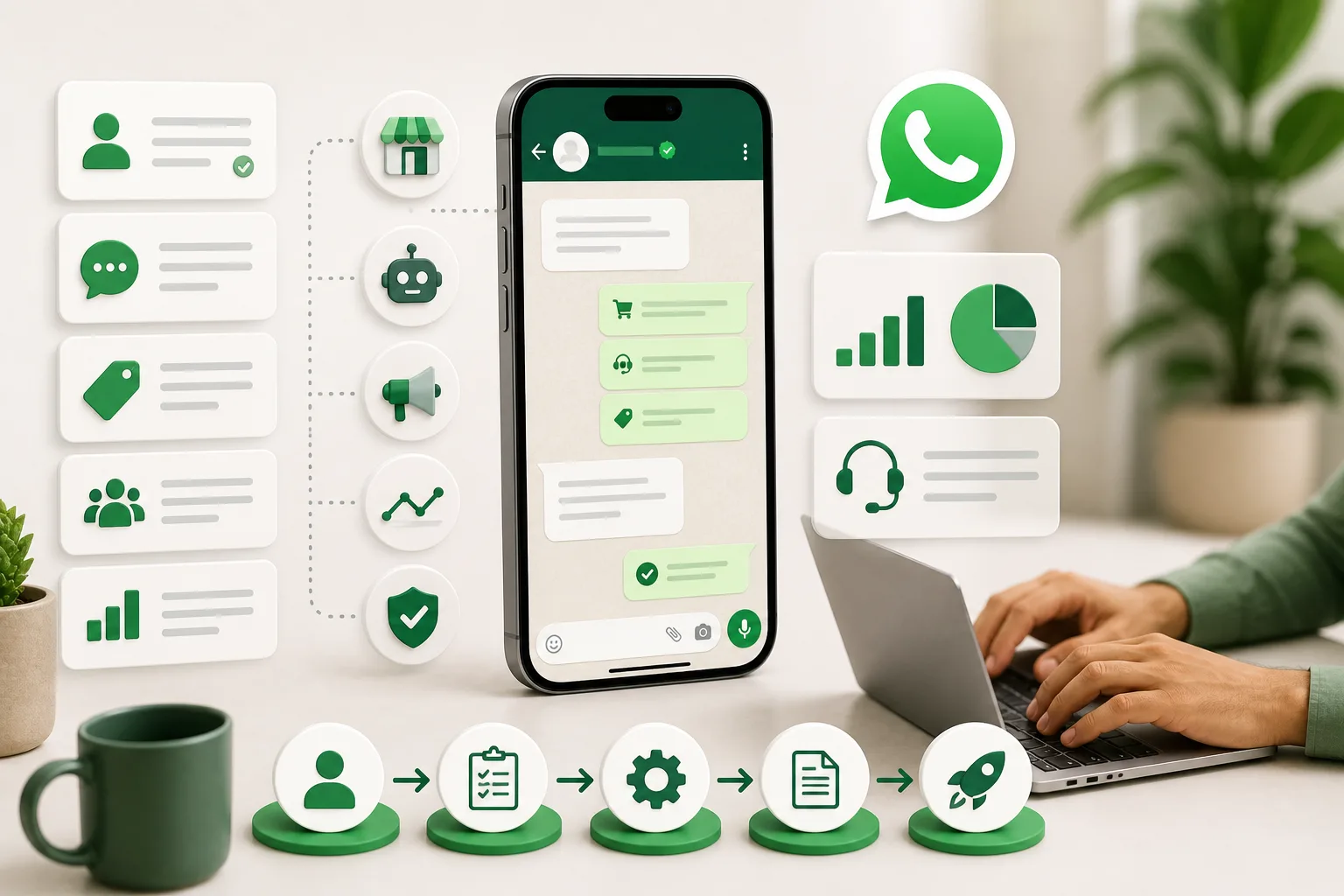
This is where the WhatsApp Business Platform—often still referred to as the WhatsApp Business API—becomes useful. It allows businesses to connect WhatsApp with their websites, CRMs, customer-support systems, e-commerce platforms and automation workflows.
In this guide, we explain how the WhatsApp Business Platform works in 2026, how it differs from the WhatsApp Business app, what Meta's current pricing model looks like and how Indian SMEs can decide whether it is right for them.
What Is the WhatsApp Business API?
The WhatsApp Business API is commonly used as a general term for Meta's WhatsApp Business Platform. Unlike the regular WhatsApp Business app, the platform is designed for businesses that want to integrate WhatsApp messaging into other software and business processes.
For example, an online store can automatically send an order confirmation after a purchase, a service business can send appointment reminders, and a customer-support team can manage incoming conversations through a shared inbox connected to a CRM.
Businesses can use Meta's WhatsApp Business Platform directly through its Cloud API or work with a technology provider that provides dashboards, chatbot builders, integrations and other management tools.
Why the WhatsApp Business Platform Matters for Indian SMEs
WhatsApp is already a familiar communication channel for many Indian customers. Instead of asking customers to install another app or repeatedly check email, businesses can use WhatsApp for support, transactional communication and permitted marketing communication.
The main advantage of the Business Platform is not simply sending more messages. It is the ability to connect customer conversations with the systems already running the business.
An SME can use the platform to:
- Send order and delivery updates automatically
- Send appointment and booking reminders
- Provide payment or account-related notifications
- Handle frequently asked questions through automation
- Route complex conversations to human agents
- Connect WhatsApp conversations with a CRM
- Integrate messaging with an e-commerce website or application
- Send approved marketing messages to customers who have opted in
- Track customer-support and messaging workflows
- Connect click-to-WhatsApp advertisements with sales or support teams
WhatsApp Business App vs WhatsApp Business Platform
| Feature | WhatsApp Business App | WhatsApp Business Platform |
|---|---|---|
| Best suited for | Small businesses and relatively simple customer communication | Businesses needing automation, integrations and structured messaging workflows |
| Team access | Supports a limited number of linked devices | Can support multi-agent workflows through connected software or shared inbox solutions |
| Automation | Quick replies, greeting messages, away messages and other built-in tools | Advanced automation using APIs, chatbots, webhooks and business systems |
| CRM Integration | Limited compared with API-based integrations | Can integrate with CRMs, helpdesks and custom business applications |
| Business-initiated messaging | Suitable for smaller-scale communication using app features | Uses approved message templates and remains subject to Meta's messaging policies and limits |
| Pricing | Free to download and use, with some optional paid features | Meta pricing generally applies per message delivered, depending on message category and recipient market. Provider fees may also apply. |
| Technical integration | Designed primarily for direct app usage | Designed for integration with websites, CRMs, applications and automated systems |
Key Benefits for Indian Businesses
1. Automate Repetitive Communication
Businesses often spend significant time answering the same questions: Where is my order? When is my appointment? Has my payment been received? What are your working hours?
The WhatsApp Business Platform can automate many of these routine interactions. This allows employees to spend more time handling enquiries that genuinely require human involvement.
2. Connect WhatsApp With Your CRM
One of the strongest reasons to move from the Business app to the Business Platform is integration.
A WhatsApp conversation can be connected with a customer's profile, previous purchases, support history or sales pipeline. Depending on the software being used, agents can access relevant information while responding to the customer instead of maintaining separate records manually.
3. Send Transactional Updates
Businesses can use utility messages for customer-requested or transaction-related communication such as:
- Order confirmations
- Shipping and delivery updates
- Appointment reminders
- Payment confirmations
- Booking updates
- Account-related notifications
These messages can be triggered automatically by the business's website, CRM, ERP or other connected system.
4. Use Rich and Interactive Messaging
WhatsApp communication can include more than plain text. Depending on the message type and implementation, businesses can use images, documents, product information, buttons and other interactive elements to make conversations more useful.
For example, instead of sending only a text saying that an invoice has been generated, a business can integrate its system so the relevant document or information is delivered through the customer's WhatsApp conversation.
5. Combine Automation With Human Support
Automation does not have to replace human support. A practical setup often uses automation for basic questions and routine actions while transferring complicated issues to an employee.
For example, a chatbot might collect a customer's order number and identify the issue before transferring the conversation to a support executive with the relevant context already available.
6. Support Click-to-WhatsApp Campaigns
Businesses running advertisements on Meta platforms can use click-to-WhatsApp campaigns to direct interested users into a WhatsApp conversation. A structured WhatsApp workflow can then help capture enquiries, answer common questions and route qualified leads to a sales team.
Understanding WhatsApp Business Platform Pricing in 2026
One of the biggest changes businesses should understand is that the old conversation-based pricing model is no longer the correct way to calculate WhatsApp Business Platform costs.
Meta now generally charges businesses on a per-message delivered basis. The amount depends on factors including the message category and the market associated with the recipient.
Businesses should therefore avoid assuming that a fixed number of customer conversations will always result in a fixed monthly WhatsApp bill.
Marketing Messages
Marketing messages are generally intended to promote products or services, encourage purchases, increase awareness or re-engage customers.
Examples may include:
- Discount and promotional offers
- Product launch announcements
- Seasonal campaigns
- Back-in-stock alerts with a promotional purpose
- Customer re-engagement campaigns
- Offers intended to encourage another purchase
Marketing templates are charged according to the applicable Meta rate for the recipient's market.
Utility Messages
Utility messages generally relate to a transaction, account, request or action already associated with the customer.
Examples include:
- Order confirmations
- Delivery updates
- Payment updates
- Appointment reminders
- Booking confirmations
- Account or transaction notifications
The pricing treatment of utility templates can depend on whether the message is delivered while a customer-service window is open. Businesses should refer to Meta's latest rate card and pricing rules when estimating costs.
Authentication Messages
Authentication templates are used when a business needs to verify a user or complete an authentication process.
Common examples include:
- One-time passwords (OTPs)
- Login verification codes
- Account verification
- Authentication-related security flows
Authentication messages have their own pricing category, and applicable rates can depend on the recipient's market and Meta's current pricing rules.
Service Messages
A customer-service window opens when a user messages a business. During this window, businesses can send service or free-form responses rather than relying exclusively on templates.
As of August 2026, businesses should also be aware of an upcoming pricing change. Meta has announced that from 1 October 2026, service messages will be charged on a per-message basis.
This makes it particularly important for businesses preparing WhatsApp budgets for late 2026 and beyond to use Meta's latest pricing information rather than older articles based on free service conversations or conversation-based billing.
Why You Should Not Use a Fixed Cost Estimate
Statements such as “1,000 WhatsApp conversations will cost ₹500–₹700” can be misleading under the current pricing structure.
Two businesses delivering the same number of messages may have different costs because their message mix can be completely different.
For example, one company may send mostly utility notifications while another sends a large number of marketing templates. Authentication traffic may also be priced differently. The destination market can further affect the applicable rate.
If a business uses a third-party WhatsApp platform or Business Solution Provider, that provider may also charge separately for features such as:
- Monthly platform subscriptions
- Shared team inboxes
- Chatbot builders
- CRM integrations
- Automation workflows
- Analytics
- Additional agents or users
These charges are separate from Meta's own WhatsApp messaging charges and should be included when calculating the total cost of a solution.
How Indian SMEs Should Calculate WhatsApp ROI
Messaging cost alone does not tell you whether a WhatsApp implementation is successful.
Businesses should compare the total cost of WhatsApp communication with measurable business outcomes such as:
- Number of qualified enquiries generated
- Orders completed through WhatsApp-assisted journeys
- Abandoned carts recovered
- Appointments confirmed
- Support tickets resolved
- Average response time
- Reduction in repetitive manual work
- Repeat purchases
- Customer-support workload
A useful monthly calculation is:
Total WhatsApp Cost = Meta Messaging Charges + Provider/Software Charges + Internal Operating Cost
You can then compare this amount with revenue generated, support costs reduced or other measurable outcomes attributable to WhatsApp.
For more customer engagement and digital marketing ideas, explore our Marketing Insights section.
How to Set Up the WhatsApp Business Platform
Step 1: Decide Between Direct API Access and a Provider
Businesses do not necessarily have to purchase WhatsApp access through a Business Solution Provider. Companies with sufficient technical resources can work with Meta's WhatsApp Business Platform and Cloud API.
However, many SMEs prefer third-party platforms because they may provide a ready-made shared inbox, chatbot builder, analytics, integrations and agent-management tools.
When comparing providers, look at:
- Monthly platform fees
- Additional markup or messaging charges
- Number of included agents
- CRM integrations
- Automation capabilities
- Customer support
- Reporting and analytics
- Data export options
- API availability
Step 2: Set Up Your Meta Business and WhatsApp Assets
Create or configure the required Meta business assets and WhatsApp Business Account. Depending on your setup and Meta's requirements, business verification or additional information may be required.
You will also need to connect an eligible business phone number and complete Meta's required phone-number onboarding process.
Step 3: Configure Your Business Profile
Add accurate business information such as your business name, description, website and other relevant profile details.
The information customers see should be consistent with your actual business identity and other online properties.
Step 4: Collect Proper Customer Opt-In
Do not treat WhatsApp as an unrestricted bulk-messaging channel. Businesses should obtain appropriate customer consent before sending business-initiated messages and should maintain clear opt-out processes.
Opt-ins can be collected through channels such as:
- Website forms
- Checkout pages
- Account registration
- Lead-generation forms
- QR codes
- Physical-store interactions
- Other compliant customer touchpoints
Step 5: Create Message Templates
Prepare templates for the business-initiated messages you actually need.
For example:
- Order confirmation
- Delivery update
- Appointment reminder
- Payment notification
- OTP verification
- Promotional campaign
Templates must be submitted under the appropriate category and remain subject to Meta's review and messaging policies.
Step 6: Integrate WhatsApp With Your Systems
This is where the Business Platform becomes significantly more powerful than using WhatsApp as a standalone communication app.
Depending on your business, you might connect WhatsApp with:
- Your CRM
- E-commerce website
- Order-management system
- Customer-support helpdesk
- Appointment-management software
- ERP
- Payment workflow
- Custom web application
Step 7: Build Automation Carefully
Start with a small number of high-value automations rather than trying to automate every conversation immediately.
A good starting point might include:
- Welcome flow
- FAQ responses
- Order-status lookup
- Appointment reminders
- Lead qualification
- Human-agent escalation
Customers should always have a clear way to reach a human when automation cannot resolve their issue.
Step 8: Train Your Team
Technology alone does not create good customer service. Employees should understand when to use templates, how to handle customer data, when to escalate a conversation and how quickly different types of enquiries should be answered.
Create simple internal rules covering:
- Response times
- Conversation ownership
- Escalation procedures
- Customer privacy
- Marketing consent
- Opt-out handling
Who Should Consider Moving to the WhatsApp Business Platform?
The WhatsApp Business app may still be sufficient if your business has relatively low messaging volumes and employees can manage conversations manually.
The Business Platform becomes more attractive when your business starts experiencing problems such as:
- Too many conversations for one or two people to manage
- Repeatedly answering the same questions
- Agents losing track of customer conversations
- Order updates being sent manually
- Customer information being scattered across systems
- Need for automated appointment or payment notifications
- Need to connect WhatsApp with a CRM or website
- Need for structured sales and support workflows
Common Mistakes SMEs Should Avoid
Sending messages without proper opt-in: WhatsApp should not be treated like an unrestricted bulk SMS database.
Using the wrong template category: Marketing, utility and authentication templates serve different purposes. Businesses should classify messages according to Meta's current rules.
Ignoring provider charges: Meta messaging charges may be only one component of your total cost.
Over-automating customer support: Automation should make communication easier, not trap customers inside an endless chatbot flow.
Using old pricing information: WhatsApp Business Platform pricing has changed substantially over time. Cost calculations should always be based on Meta's latest pricing documentation and rate card.
Focusing only on message volume: Sending more messages is not automatically better. Businesses should measure conversions, customer satisfaction, support efficiency and other meaningful outcomes.
WhatsApp Business API Pricing FAQs
Is WhatsApp Business API free?
No. The WhatsApp Business Platform has Meta messaging charges based on the applicable pricing rules. If you use a third-party provider, additional software or subscription fees may also apply.
Does WhatsApp still charge per conversation?
No. The older conversation-based model has been replaced by a model that generally charges based on messages delivered. Pricing depends on the type of message and recipient market.
What are the main WhatsApp message categories?
Template messages are primarily categorized as marketing, utility and authentication. Service messages are customer-support or free-form messages sent in response to users during the applicable customer-service window.
Are WhatsApp marketing messages free?
Businesses should not assume marketing templates are free. Marketing messages are subject to Meta's applicable per-message pricing and messaging rules.
Are WhatsApp utility messages free?
The answer depends on the context in which the utility template is delivered and Meta's current pricing rules. Utility messages delivered under qualifying conditions within an open customer-service window may receive different pricing treatment. Businesses should check Meta's current pricing documentation before estimating costs.
Will service messages remain free?
Meta has announced that from 1 October 2026, service messages on the WhatsApp Business Platform will be charged on a per-message basis. Businesses planning their messaging costs for late 2026 should account for this change.
Do I need a Business Solution Provider?
Not necessarily. Businesses can work with Meta's WhatsApp Business Platform directly or use a third-party provider. A provider may be more convenient for an SME that wants a ready-made team inbox, automation tools and integrations without developing everything internally.
Conclusion
The WhatsApp Business Platform can be a powerful next step for Indian SMEs that have outgrown manual customer messaging. Its real value comes from connecting WhatsApp with the rest of the business—CRM systems, e-commerce platforms, support workflows, payments, bookings and automation.
However, businesses should not evaluate the platform using outdated assumptions such as unlimited broadcasting, fixed conversation charges or a standard monthly cost for every SME.
In 2026, WhatsApp Business Platform costs depend on the messages being delivered, their categories, recipient markets and any additional provider or software charges. Meta's pricing policies also continue to evolve, making it important to review the latest official rate card before preparing budgets.
For a growing SME, the best approach is to begin with one or two high-value use cases—such as order updates, appointment reminders or customer support—measure the results and expand automation only when it produces clear business value.