
 Mayank Singh
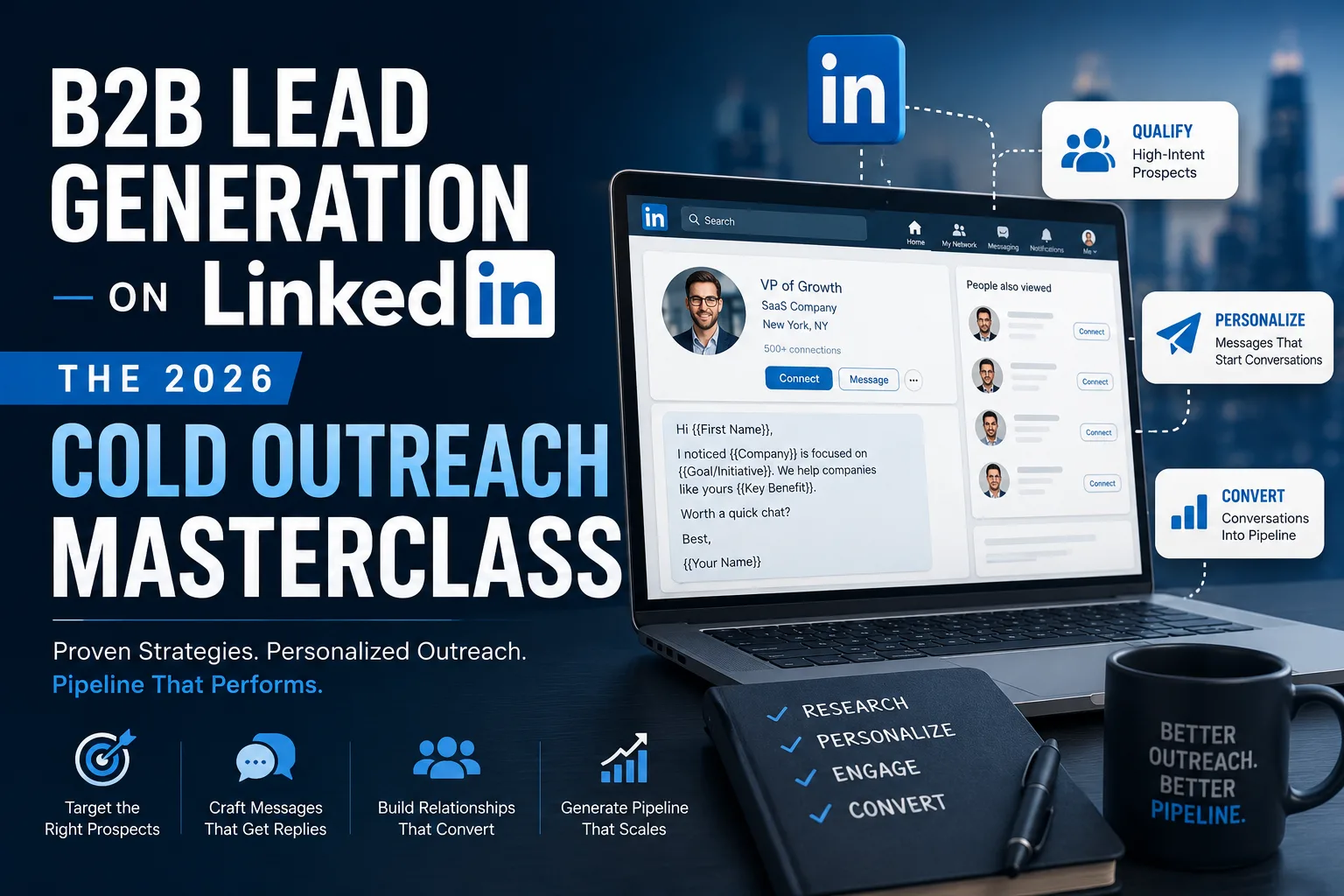
 LinkedIn can be a useful channel for B2B prospecting because professionals can research companies, identify relevant decision-makers, build professional connections and start conversations on the same platform.
However, effective LinkedIn outreach is not about sending the highest possible number of connection requests. Generic mass messaging can produce poor-quality conversations, while the use of prohibited automation tools can also put your LinkedIn account at risk.
LinkedIn states that it does not allow third-party software or browser extensions that scrape data, modify the appearance of LinkedIn, or automate activity on its website. Automated inauthentic activity can result in temporary or permanent account restrictions.
This guide explains a practical, manual approach to B2B LinkedIn outreach in 2026—from defining your ideal customer to researching prospects, sending relevant messages, following up and measuring results without relying on unsupported industry conversion benchmarks.
1. Start With a Clear Ideal Customer Profile
Before searching for prospects, define exactly who your product or service is intended to help.
A basic Ideal Customer Profile (ICP) might include:
- Industry: SaaS, manufacturing, professional services, healthcare, e-commerce, etc.
- Company size: For example, small businesses, mid-market companies or enterprises.
- Location: India, Delhi NCR, Bengaluru, Mumbai, a specific state or an international market.
- Decision-maker: Founder, CEO, Head of Marketing, CTO, HR Head, Procurement Manager, etc.
- Business problem: The specific issue your service can realistically help address.
- Buying signals: Hiring, expansion, a new product launch, active marketing, a technology change or another publicly visible business development.
A narrow prospect list is generally more useful than collecting thousands of profiles that have little connection to your offer.
Example ICP
Suppose you provide website conversion optimisation services. Instead of targeting "all founders in India", you might define your initial audience as:
- B2B SaaS companies
- 11–50 employees
- Based in India
- Founder or Head of Marketing
- Company has an active website
- Business appears to be actively generating leads or offering demos
This gives you enough context to research each company and write a message that relates to its actual business.
2. Make Your LinkedIn Profile Clear Before Outreach
Someone receiving an unfamiliar connection request may visit your profile before deciding whether to respond. Your profile should therefore make it easy to understand who you are, what you do and why connecting with you may be relevant.
Headline
A headline does not have to be an aggressive sales statement. Keep it specific and credible.
Example:
Founder at ABC Growth | B2B SaaS Marketing & Conversion Optimisation
Avoid claims such as "I guarantee 10X revenue" unless you have evidence that can substantiate the statement.
About Section
Explain:
- What you or your company does
- Who you usually work with
- What problems you work on
- Relevant experience or verifiable results
- How someone can contact you
Featured Section
If available and relevant, you can feature useful material such as:
- A genuine case study
- A useful guide or checklist
- A product demonstration
- Your company website
- A portfolio or relevant project
Do not manufacture case studies or customer results simply to make an outreach profile appear more convincing.
3. Find Relevant Prospects Manually
LinkedIn's normal search can be enough when you are starting. Search using combinations of role, company, industry and location, and review each prospect before contacting them.
For example, instead of searching only:
Founder India
you could narrow your research to:
Founder + B2B SaaS + Bengaluru
Then inspect individual profiles and companies to determine whether they genuinely match your offer.
4. Use Sales Navigator When You Need More Advanced Prospecting
LinkedIn Sales Navigator can be useful for businesses that conduct regular B2B prospecting, but it is not mandatory for every business.
Sales Navigator provides lead and account search filters that can help narrow prospect lists. Depending on the available filters and your subscription, you can refine searches using criteria such as:
- Geography
- Industry
- Company
- Company headcount
- Job title
- Seniority
- Function
You can also save relevant searches and revisit them when new matching leads appear.
If you only need to approach a small number of highly relevant prospects each week, standard LinkedIn search may be sufficient. Consider Sales Navigator when its additional search and prospect-management features justify the subscription cost for your workflow.
5. Research the Person Before Sending a Message
Personalisation should be based on something genuine, not a template that merely inserts the person's first name.
Before approaching a prospect, spend a few minutes reviewing publicly available information such as:
- The person's role
- The company's website
- A recent LinkedIn post, if relevant
- Recent company announcements
- Products or services offered
- Job openings
- Publicly visible business challenges that relate to your service
Only reference information you have actually reviewed. Do not write "I loved your recent post" if you did not read the post or cannot explain what was useful about it.
6. Use a Manual LinkedIn Outreach Workflow
A simple workflow is often more effective and easier to manage than trying to contact a large list at once.
| Stage | What to Do |
|---|---|
| 1. Identify | Find a prospect who matches your ICP. |
| 2. Research | Understand the person's role, company and a relevant business context. |
| 3. Engage | Where appropriate, follow the person or interact genuinely with useful public content before contacting them. |
| 4. Connect | Send a relevant connection request where LinkedIn's connection features and policies permit it. |
| 5. Start a conversation | After connecting, ask a relevant question instead of immediately sending a long sales pitch. |
| 6. Establish relevance | Explain your idea, observation or useful resource only when it relates to the prospect's situation. |
| 7. Ask | If there is genuine interest, suggest an appropriate next step such as a short call. |
| 8. Follow up | Send a limited number of relevant follow-ups rather than repeatedly messaging someone who has shown no interest. |
7. Sample LinkedIn Connection Messages
The best message depends on why you are contacting the person. These examples should be adapted rather than copied word-for-word.
Example 1: Referencing Relevant Content
Connection request:
"Hi Priya, I saw your post about reducing demo no-shows for SaaS teams. I work with B2B companies on conversion and lifecycle marketing. Thought it would be useful to connect."
Example 2: Same Industry
"Hi Rahul, I work with manufacturing businesses on digital lead generation and came across your work at ABC Industries. Would be good to connect."
Example 3: Shared Event or Community
"Hi Neha, saw that we were both following the SaaS Growth Summit discussion. I work with early-stage B2B teams as well. Happy to connect."
Keep the reason for connecting genuine. Avoid adding a disguised sales pitch to every invitation.
8. What to Send After Someone Accepts
Acceptance of a connection request does not automatically mean the person wants a sales presentation.
Start with context and a simple question.
Example
"Thanks for connecting, Priya. Your point about demo no-shows caught my attention. Are you currently handling the reminder and follow-up process manually or through your CRM?"
This gives the prospect an easy way to respond and gives you more information before deciding whether your service is relevant.
9. Offer Value Only When It Is Actually Relevant
A "value message" does not have to mean sending an ebook to everyone on your prospect list.
If you have something genuinely useful, offer it in context.
Example
"We recently put together a short checklist covering five common gaps we see in SaaS demo follow-up flows. Happy to send it if that would be useful."
If the person says yes, send it. If they do not respond, avoid repeatedly pushing the resource.
10. Move to a Call When There Is a Reason
If the conversation reveals a problem that your business can realistically solve, you can suggest a call.
Example
"That makes sense. We work on this type of funnel, and I have a couple of ideas based on what you've described. Would a 15-minute call next week be useful to compare approaches?"
This is more credible than claiming that you can produce a particular business result before understanding the prospect's situation.
11. Use InMail as an Alternative Where Appropriate
LinkedIn InMail is a Premium feature that can allow users to message LinkedIn members with whom they are not connected, subject to the recipient's settings and the sender's available InMail access or credits.
InMail can be useful when:
- You have a strong reason to contact someone but are not connected.
- The person is highly relevant to your target account.
- Your message is specific enough to justify direct outreach.
Do not assume that an InMail message will produce a particular open, reply or meeting-booking percentage. Performance varies substantially by audience, offer, relevance, message quality and sender credibility.
12. Understand LinkedIn's Automation Policy
This is especially important for anyone using LinkedIn for sales prospecting.
LinkedIn states that it does not allow third-party software or browser extensions that scrape, modify the appearance of, or automate activity on LinkedIn's website.
Examples of risky activity can include prohibited tools that automatically:
- Send connection requests
- Send LinkedIn messages
- Scrape member or profile information
- Generate artificial engagement
- Perform other LinkedIn actions on the user's behalf in violation of LinkedIn's rules
LinkedIn says automated inauthentic activity can result in temporary or permanent restriction of an account.
LinkedIn also warns that invitation restrictions may occur where users send excessive invitations, accumulate many ignored or pending invitations, receive spam reports, or where LinkedIn suspects automation.
Repeated suspensions for automated activity can ultimately result in permanent account restriction.
Source: LinkedIn Help — "Automated activity on LinkedIn", "Prohibited software and extensions", "Account restrictions" and "Types of restrictions for sending invitations".
13. Do Not Try to Work Around LinkedIn's Limits
LinkedIn applies limits and restrictions to connection invitations to help protect the member experience. Both free and Premium users remain subject to invitation restrictions.
There is therefore no reliable or responsible "safe number of automated requests per day" that a business should try to discover.
If LinkedIn limits your invitations, do not attempt to evade the restriction using additional accounts, automation tools or other workarounds. Review your prospecting approach and LinkedIn's current policies instead.
14. Track Outreach Without Inventing Benchmarks
You do not need an industry-average reply rate to determine whether your outreach is working. Measure your own results.
A simple spreadsheet or CRM can track:
| Metric | What It Tells You |
|---|---|
| Prospects researched | How large your qualified prospect pool is. |
| Connection requests sent | Your outreach volume. |
| Connections accepted | Whether your targeting and professional context appear relevant. |
| Replies | Whether your opening conversations are generating engagement. |
| Qualified conversations | How many replies involve a genuine potential need. |
| Meetings booked | How often qualified conversations progress to a call. |
| Opportunities created | How much outreach contributes to your actual sales pipeline. |
| Customers won | The final commercial outcome. |
After collecting enough of your own data, compare different prospect segments and messaging approaches. Your own qualified-conversation and customer-conversion data is usually more useful for decision-making than an unsupported generic "2026 LinkedIn reply rate".
15. Combine Content With Outbound Prospecting
Publishing relevant content can complement direct outreach by showing prospects how you think about problems in your field.
Useful B2B content can include:
- Lessons from completed projects
- Industry observations
- Practical checklists
- Original research or data
- Answers to common customer questions
- Case studies with permission and verifiable results
If a prospect engages with your content, that can give you additional context for a conversation. However, a like or comment should not automatically be treated as permission for an aggressive sales pitch.
For more ideas on building an integrated marketing strategy, explore our Marketing Insights section.
A Simple Weekly Manual Outreach Routine
For a small B2B business, a practical workflow might look like this:
- Monday: Research and shortlist relevant companies.
- Tuesday: Identify the appropriate people within those companies and review their profiles.
- Wednesday: Send a small number of relevant, manual connection requests or use an appropriate LinkedIn messaging option.
- Thursday: Respond to conversations and research interested prospects more deeply.
- Friday: Follow up where appropriate and update your spreadsheet or CRM.
The purpose of this workflow is not to maximise daily message volume. It is to maintain consistent prospecting while giving yourself enough time to research each business and respond intelligently.
Final Thoughts
LinkedIn B2B outreach in 2026 should be treated as targeted professional networking rather than a mass-messaging exercise.
Define a clear Ideal Customer Profile, research prospects before contacting them, keep initial messages relevant, ask questions before pitching and track your own sales outcomes. Sales Navigator can make prospect research easier for businesses that need its advanced features, but it is not required to begin.
Most importantly, avoid relying on prohibited LinkedIn automation or scraping tools. LinkedIn explicitly states that automated inauthentic activity can result in temporary or permanent account restrictions.
There is also no universal LinkedIn reply rate or meeting-booking rate that every business should expect. Your results will depend on your audience, offer, positioning, credibility and quality of outreach.
Disclaimer: LinkedIn's features, limits and policies can change. Always review the latest LinkedIn User Agreement and LinkedIn Help guidance before using tools or processes for prospecting on the platform.