
 Mayank Singh
 Having a professional website is no longer optional. Customers expect to find your business online — and the right website builder can make that happen without a large budget or a developer on payroll.
For small business owners in India without deep technical skills, website builders provide an accessible, cost-effective path to a professional digital presence. But not all platforms are built the same. Choosing the wrong one early on can cost you in flexibility, SEO, and long-term scalability.
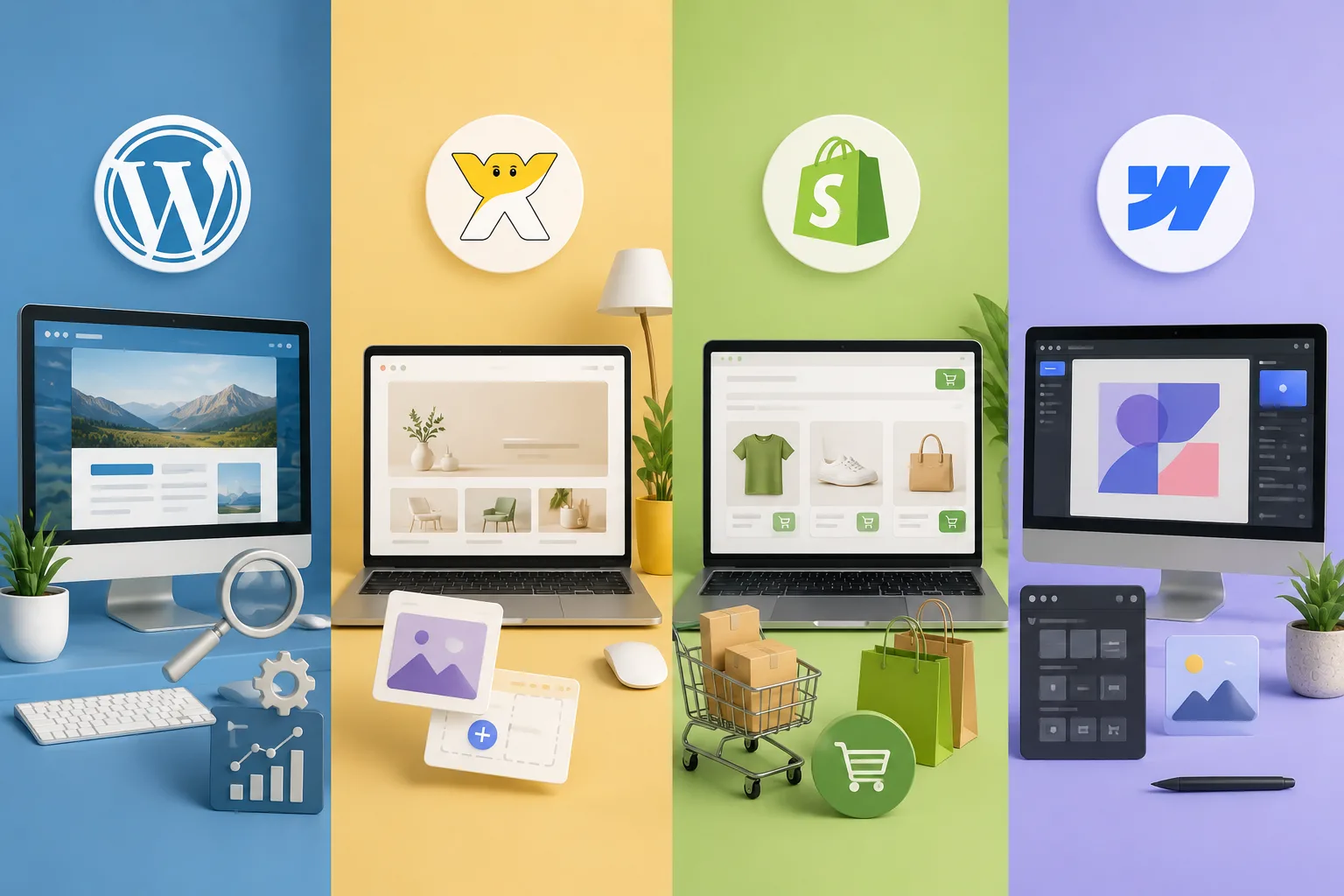
This guide compares four major platforms — WordPress, Wix, Shopify, and Webflow — across the dimensions that matter most to Indian small businesses.
The Four Platforms at a Glance
Full Feature Comparison
Here's how the four platforms compare across key criteria that matter to Indian small businesses:
| Feature | WordPress | Wix | Shopify | Webflow |
|---|---|---|---|---|
| Ease of setup | Moderate | Very Easy | Easy | Moderate |
| SEO control | ✓ Full | ~ Limited | ~ Good | ✓ Strong |
| E-commerce | ~ Via plugin | ~ Basic | ✓ Native | ~ Limited |
| Mobile responsive | ✓ | ✓ | ✓ | ✓ |
| Custom domain | ✓ | ✓ Paid plans | ✓ | ✓ |
| Free plan available | ~ Hosting needed | ✓ With ads | ✗ | ✓ Limited |
| Hosting included | ✗ | ✓ | ✓ | ✓ |
| Plugin / app store | 60,000+ plugins | 250+ apps | 8,000+ apps | Growing ecosystem |
| Razorpay / Indian gateway | ✓ Via plugin | ~ Limited | ✓ Native support | ~ Via integration |
| Multilingual support | ✓ Full | ~ Partial | ✓ | ~ Partial |
| Ideal for | Blogs, agencies, SEO-heavy sites | Local shops, portfolios | Online stores, D2C brands | Startups, design studios |
Platform Ratings Overview
The chart below scores each platform across five key criteria on a scale of 1–10:
Pricing in India (Approx. Monthly)
Pricing below reflects entry-level paid plans. Hosting costs are additional for WordPress.
SEO Capability Breakdown
Businesses that depend on organic traffic should evaluate SEO features carefully. Stronger SEO infrastructure means less reliance on paid ads over time.
Ratings based on: custom metadata, schema markup, page speed control, clean URL structure, sitemap generation, and canonical tag support.
Which Platform Should You Choose?
Choose WordPress if
- Your primary goal is organic traffic and long-term SEO
- You need a blog, portfolio, or agency-style website
- You want flexibility to scale with plugins over time
- You're comfortable managing hosting or can hire a developer once
Choose Wix if
- You need to launch fast with zero technical knowledge
- You're a local business, freelancer, or service provider
- A simple, clean presence is sufficient for your goals
Choose Shopify if
- You're running or planning an online store
- You need built-in inventory, payments, and shipping tools
- You're building a D2C brand or selling physical products
Choose Webflow if
- You want a visually unique, design-forward website
- You're a startup or creative agency that values branding
- You want CMS + design control without hiring developers
Should You Hire a Professional?
While website builders simplify setup, many competitive businesses still bring in professionals for branding, performance optimization, and SEO strategy. This is especially valuable in industries like real estate, legal, healthcare, and finance — where online visibility directly drives revenue.
A developer or digital agency can typically handle the initial setup on any of these platforms in 2–4 weeks, leaving you with a polished site you manage yourself going forward.
Final Verdict
There is no single best website builder — the right choice depends on your goals, budget, and how much control you want over your site's design and SEO. Use the comparison table above as your decision guide, and factor in the Indian payment gateway support if you're planning to sell online.
The most important step is simply getting started. Any of these platforms beats having no website at all.